PlatePlaya · Game-day guides
How to Run Walk-Up Music at a Youth Baseball or Softball Game
To run walk-up music, connect your phone to a speaker, give each player a music clip or recorded introduction, then use Game Mode to follow the batting order. Prepare and test the setup before you arrive at the field.
A 30-second visual tour
This silent tour uses still screenshots with an example team. The text below covers the same three steps.
Read the video transcript
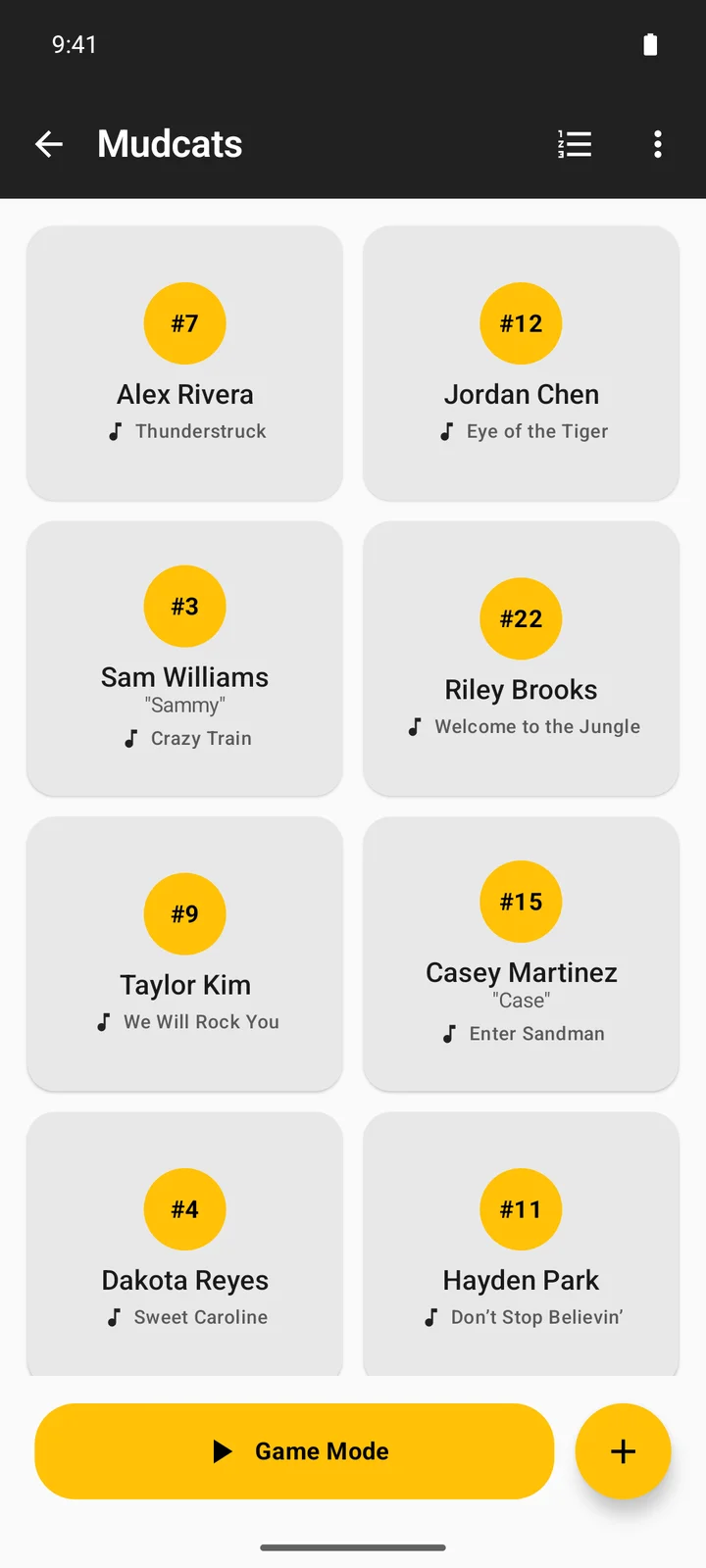
- Build your lineup: create your team, add players, and arrange the batting order.
- Prepare each walk-up: choose available audio, trim the clip, and optionally record an introduction.
- Play on game day: check the selected player in Game Mode, play their walk-up, and follow the batting order.
What equipment do I need?
- An iPhone or Android phone with PlatePlaya installed.
- A charged speaker with a connection your phone supports, or access to the field’s approved audio system.
- Power for the phone and speaker for the length of the game.
- A current roster, player pronunciations, and song choices.
Ask the league or field operator whether music is allowed and who controls the PA. Speaker pairing and wired adapters depend on your hardware; test your actual combination.
Prepare your lineup
- Create a team and add players. A roster CSV is useful when you already have names in a spreadsheet; it is not an audio upload.
- Choose a catalog preview or import a downloaded audio file in each player’s editor. Preview and trim the portion you want.
- Record an introduction if you want one. A player can have an introduction, music, or both.
- Arrange the batting order and mark players who are absent for this game.
Do a sound check
- Connect the speaker through your phone’s audio settings and play a test walk-up.
- Listen from where players and spectators will be. Start at a comfortable volume.
- Check both music and a spoken introduction. Adjust announcement volume if the voice is hard to hear.
- Test the next player, stopping playback, and returning to the lineup.
- Before relying on a poor connection at the field, try your prepared setup with the network conditions you expect. Do not assume every searched track is available offline.
Use Game Mode during the game
Open Game Mode, check the selected player, and tap Play for that player’s configured audio. Use the lineup controls to follow the actual batting order. Stop music when play is ready to begin and follow your league’s rules. Game Mode keeps the screen awake while the app is active; check battery levels between innings.
How long should a walk-up clip be?
Choose a short passage that fits the time the player takes to approach the plate. Ask the coach or league about timing rather than assuming a universal limit. The app’s available audio length and the appropriate length at your field are different questions.
Find and import audio files · Record clearer introductions · Printable game-day checklist